
Speak normally. They understand instantly.
Voice and calling translation in 6chatting is designed for real conversations — meetings, customer calls, travel, and international collaboration. The experience is built to feel smooth and premium: clear language direction, obvious translation status, and controls that do not interrupt the call.
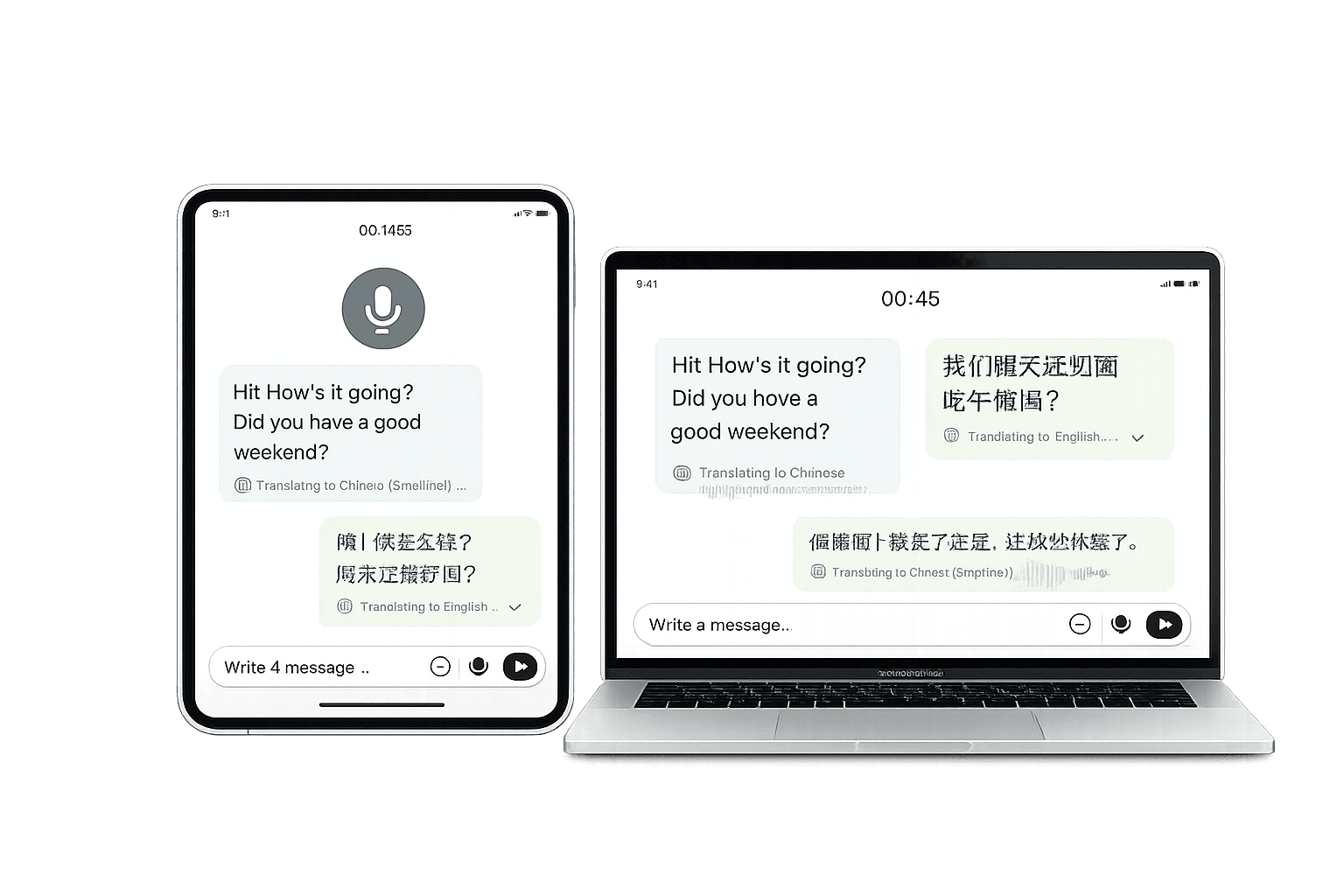
Designed to work across devices: mobile, tablet, and desktop — with the same translation clarity and controls.
What voice & calling translation is
A premium voice translation experience must be predictable: users need to understand what the app is doing at every moment.
The system converts speech to text, translates meaning, then delivers the output to the other user in their language — optimized for conversation flow.
Users should always know when translation is active, which languages are set, and what direction translation is moving.
Voice is more sensitive than text. 6chatting pairs translation with verification signals and clear UI to reduce confusion and impersonation risk.
How it works end-to-end
This is the user flow you can confidently explain on a premium product page.
- 1) Select languages
Each participant uses their preferred language. The app sets a translation direction for both sides so the conversation stays consistent.
- 2) Start voice or call translation
Users begin speaking naturally. The translation mode remains visible so nobody is confused about what is happening.
- 3) Real-time delivery
The receiver gets the translated output in their language with minimal delay, designed to preserve meaning and tone.
- 4) Status indicators
The UI communicates when translation is active, when it is processing, and when delivery is complete — this reduces interruptions and misunderstandings.
- 5) Consistent experience across devices
The same call translation flow applies whether users are on mobile, tablet, or desktop — so switching devices doesn’t change the rules.
What users can control
Premium means control without complexity. These are the controls users should expect.
Users can set their preferred language and switch when needed. This supports mixed-language environments and international conversations.
- Default language set in settings
- Per-chat adjustments where appropriate
- Clear direction indicators (A → B and B → A)
Users should be able to confidently tell whether translation is on or off before speaking, especially on calls.
- Visible translation mode toggle
- Clear “Translation Active” status
- Designed to avoid accidental activation
The experience is designed so users don’t feel forced to speak unnaturally slowly. The interface helps keep the flow smooth.
- Minimal friction UX
- Processing indicators reduce confusion
- Clarity-first design for sensitive topics
Voice carries risk: scams and impersonation. 6chatting is built to pair translation with trust indicators (verification ticks) and user clarity.
- Verification signals help users trust who is speaking
- Reduced impersonation risk
- Better confidence for business calls
Best use cases
Voice and calling translation is designed for practical daily scenarios — not just demos.
Speak with customers and partners across borders, handle negotiation details, and reduce misunderstandings.
Use voice translation in real time when typing is too slow — directions, services, support, and emergencies.
Keep remote teams aligned and inclusive even when people speak different languages.
Dual-language bubbles reduce confusion by showing what was translated, in which direction, and the translation status.