
Translate naturally — across regions, cultures, and languages.
6chatting is designed so you communicate the way you normally do, while the other person receives it in their language. This page explains what “global language support” means in practice: how languages are selected, how translation direction is handled, how the UI communicates translation status, and what users should expect in real-world conversations.
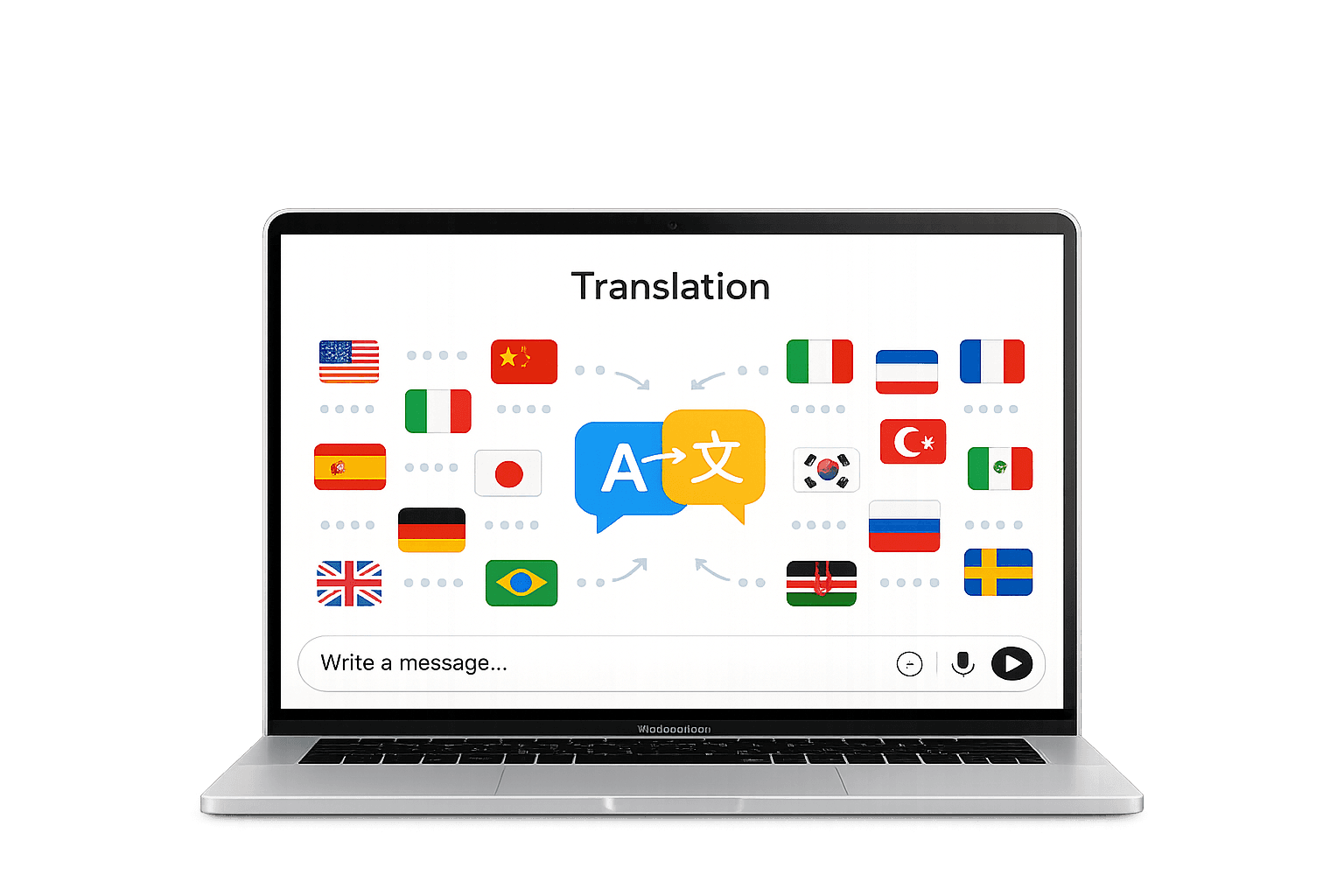
The app focuses on clarity: language direction, translation status, and message intent should always remain obvious.
What “Global language support” means
A premium translation product is not only about having many languages — it’s about delivering predictability, trust, and a smooth experience.
Users choose their preferred language at sign-up (and can adjust later in settings). Messages are automatically delivered in the receiver’s chosen language.
Translation works both ways: each user writes/speaks in their own language, and the other receives it in theirs — without needing to copy/paste.
The interface indicates when content is translated, which direction it was translated, and gives users confidence that meaning has been preserved.
How translation works end-to-end
This is the user-facing flow you can confidently explain on a premium product page.
- 1) User sets a preferred language
At sign-up, users select their language. This becomes their default for receiving translated content and for composing (unless they switch per-chat).
- 2) Conversation starts normally
The sender types (or speaks). They do not need to change keyboards or manually translate. 6chatting handles it automatically.
- 3) Translation is applied to the receiver’s language
The receiver gets the message already localized into their preferred language. This keeps conversations fast and removes friction.
- 4) The UI shows translation status
The message bubble includes a clear indicator that translation occurred, and can show the source/target languages for transparency.
- 5) Conversation stays consistent
The same logic is applied across replies, new threads, and multi-device sessions so the experience feels reliable and premium.
Quality expectations
Premium translation must protect meaning, tone, and context—especially for business and sensitive conversations.
The goal is accurate intent. When languages differ culturally, translation should keep the meaning and tone natural—not robotic.
For sales, logistics, customer support, and cross-border operations, translation should remain consistent, fast, and clearly labeled.
Proper nouns, brand names, currency, dates, and figures must remain stable. The UI should reduce confusion by keeping these readable.
A premium experience allows users to understand what happened (translated vs original) and adjust language preferences without friction.
Experience real-time translation across chat, voice, and calling — built for modern communication.